Promo Codes
Promo codes let users get subscriptions at a discount. They're convenient for giveaways and promotions. Promo codes are tied to a specific bot and can only be activated within it
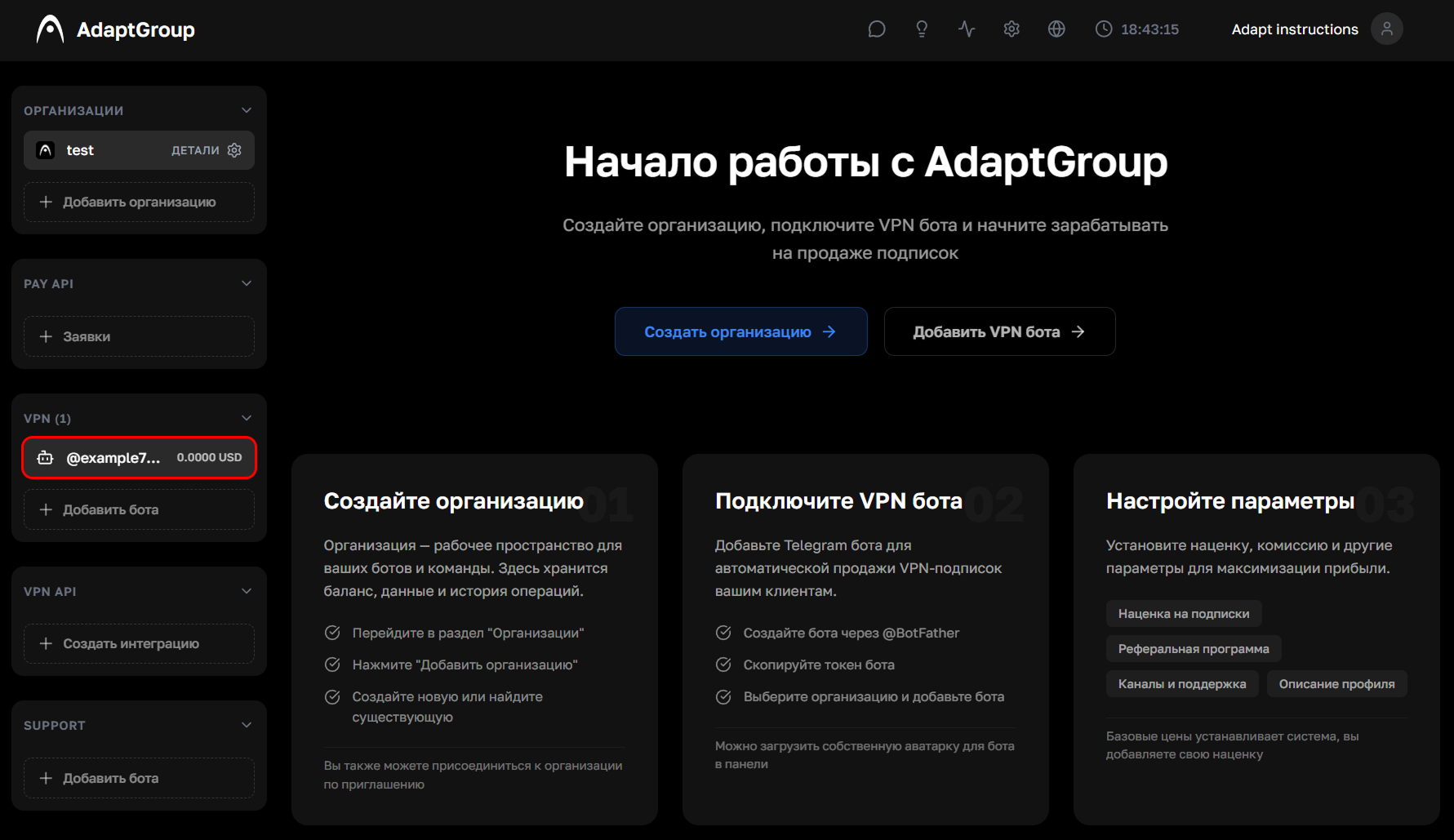
Step 1. Open the bot
In the left sidebar, in the VPN section, click on the bot you need
Show screenshot
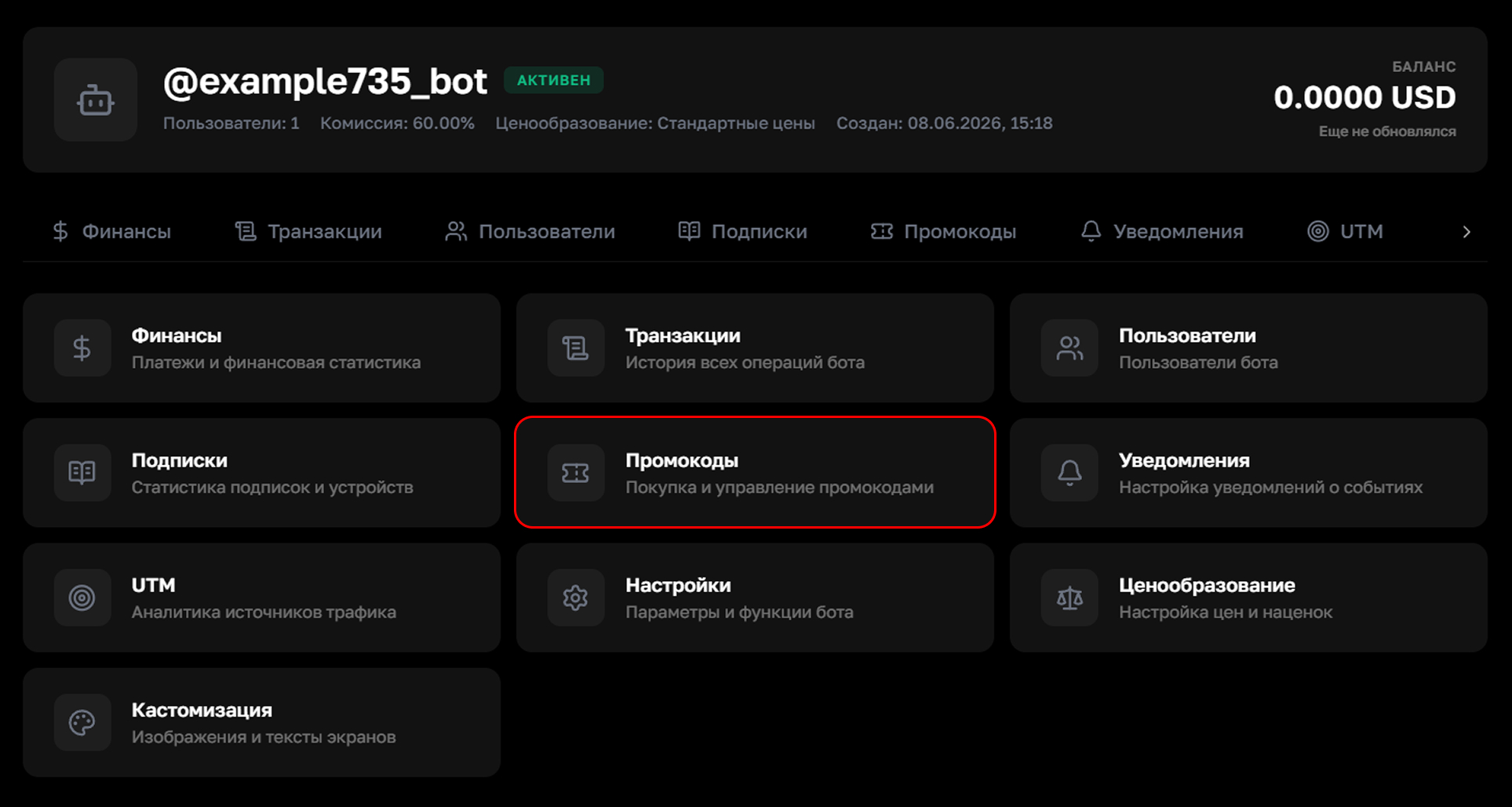
Step 2. Go to the "Promo Codes" section
On the bot's page, click on the "Promo Codes" tile
Show screenshot
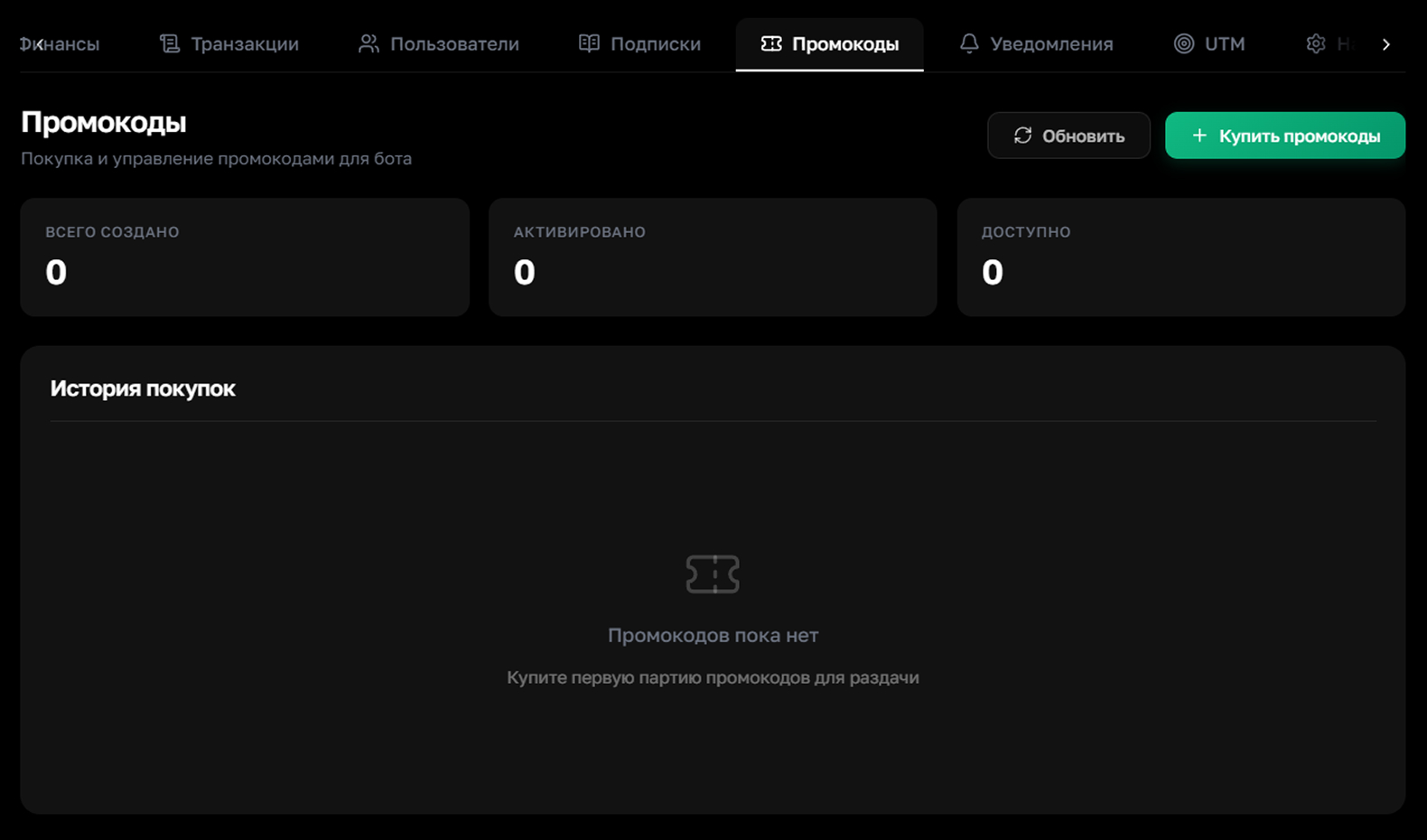
Step 3. Review the statistics
The page displays promo code statistics — how many have been created, activated, and are still available. The history of all purchases is at the bottom of the page. To buy new promo codes, click the green "Buy" button
Show screenshot
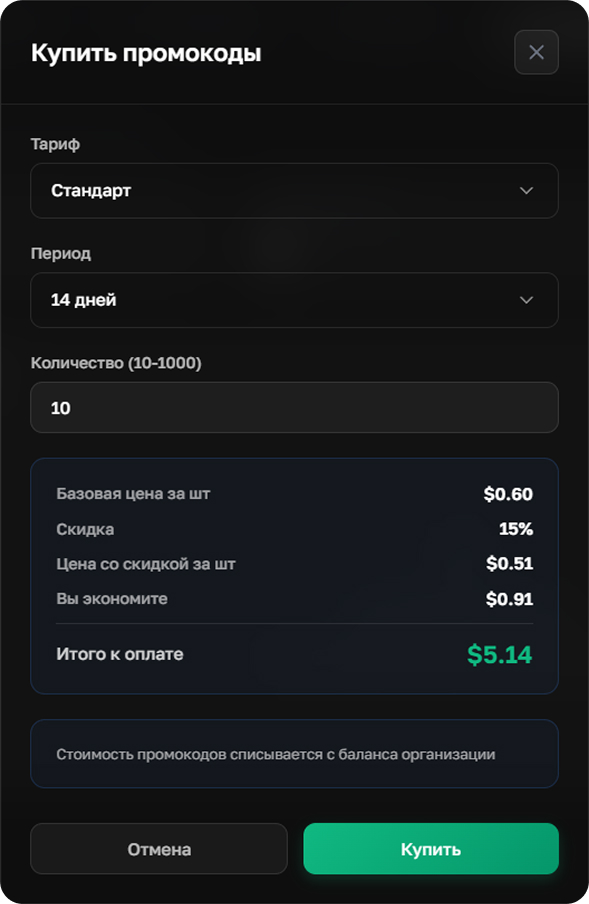
Step 4. Buy promo codes
Choose a plan, a subscription period, and specify the desired quantity. The cost is calculated automatically — the more promo codes you buy, the higher the discount. Funds are deducted from the organization's balance. After reviewing it, click "Buy"
Show a small batch example
Show a large batch example
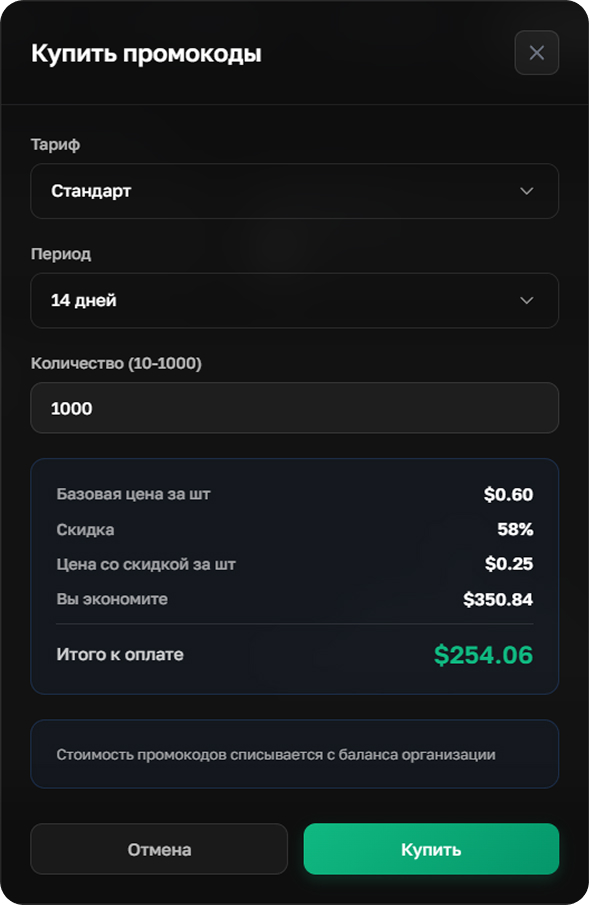
With bulk purchases, the discount is significantly higher — a batch of 1000 promo codes can cost almost half as much per coupon