Creating an Organization
An organization is a workspace for managing VPN bots, balance and your team. You can create one in two ways
Step 1. Create an organization
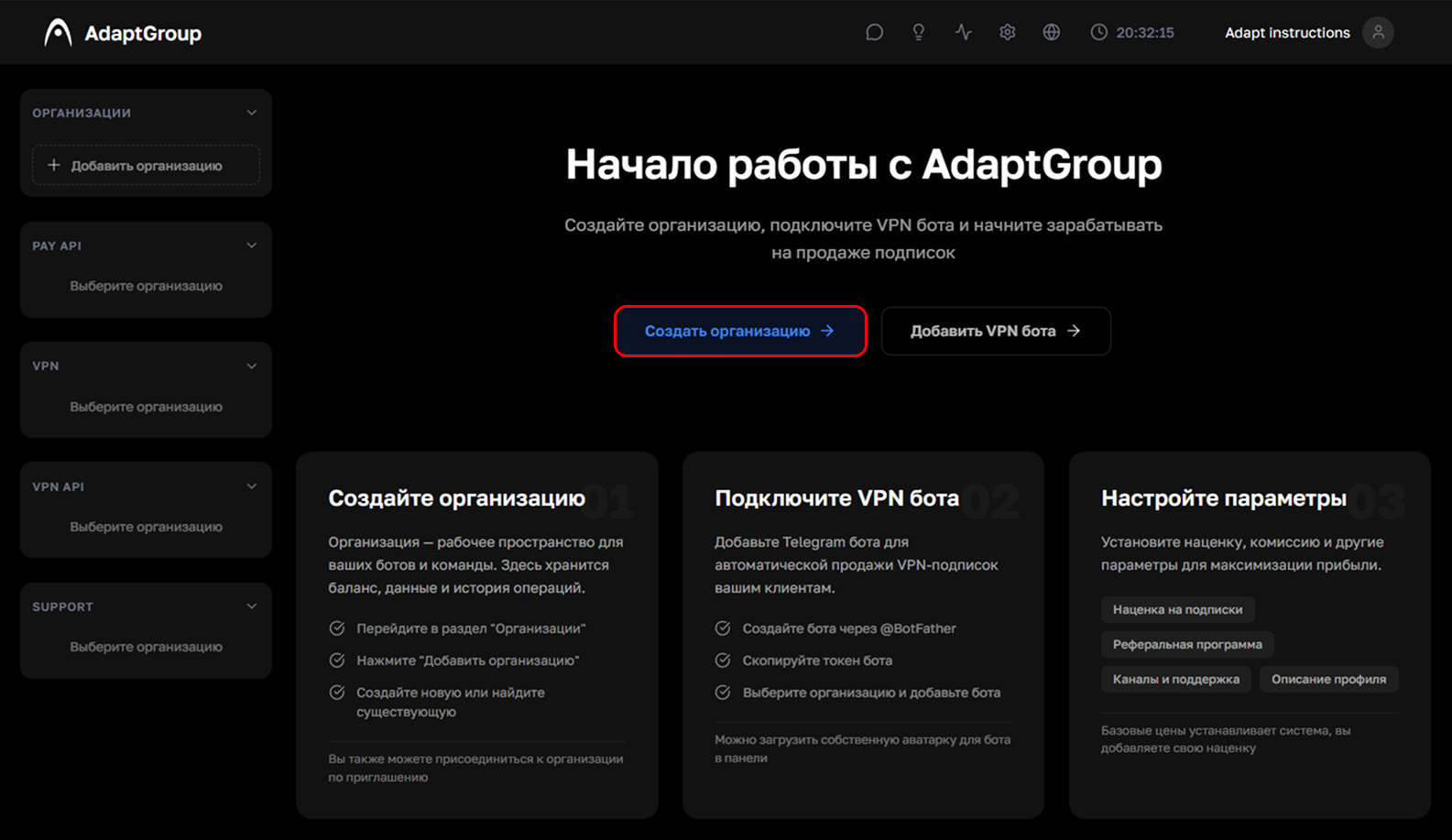
Method 1 — on the main page, click the blue "Create Organization" button
Method 2 — in the left sidebar, in the "Organizations" section, click "Add Organization"
Show screenshot
Step 2. Fill in the details
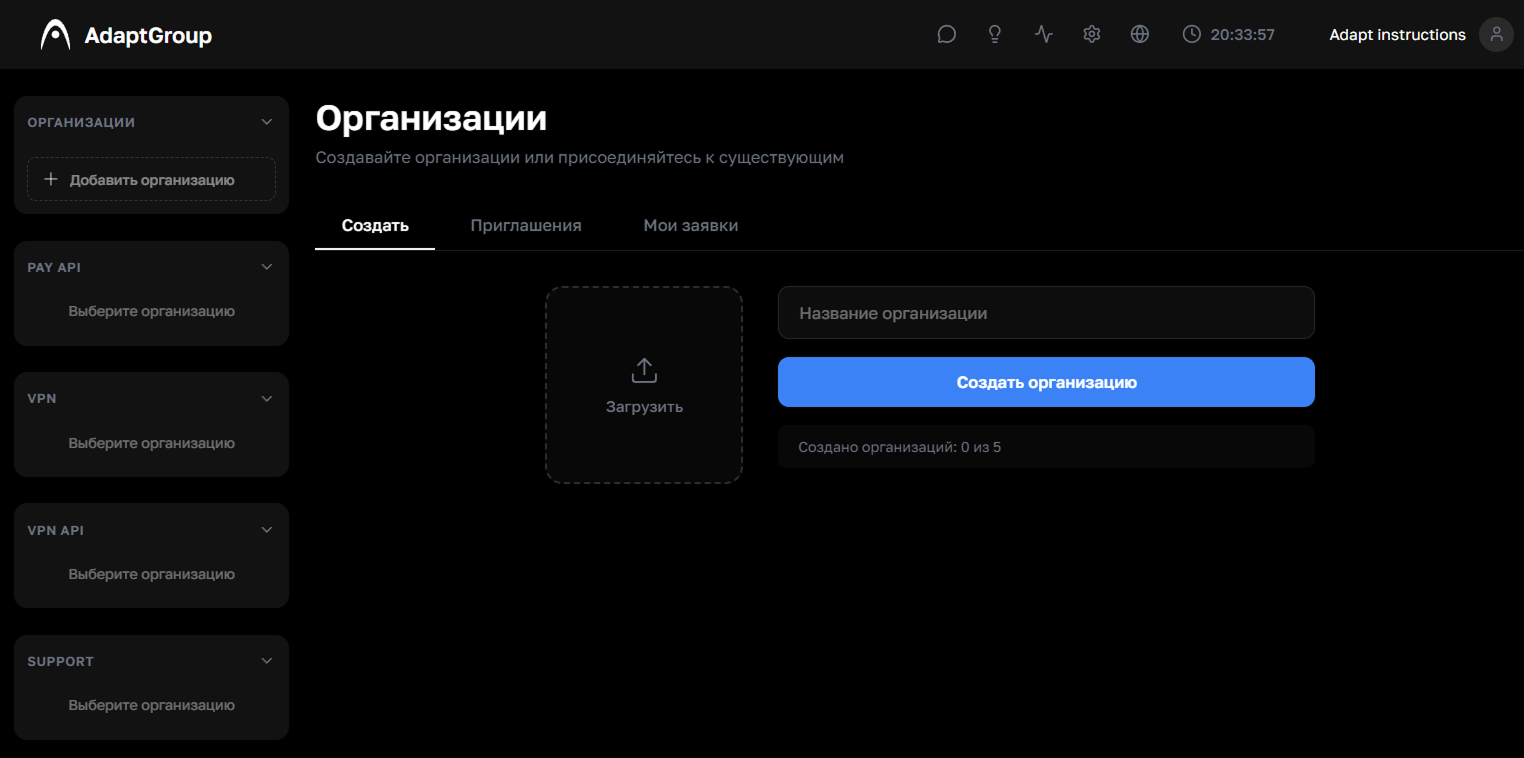
Upload an organization avatar (optional), enter a name and click "Create". The name is the internal name of the organization, you can choose anything convenient for you
Show screenshot