Purchasing SMM Services
The SMM section lets you order promotion for Telegram, TikTok, YouTube, Steam and other platforms right from the control panel
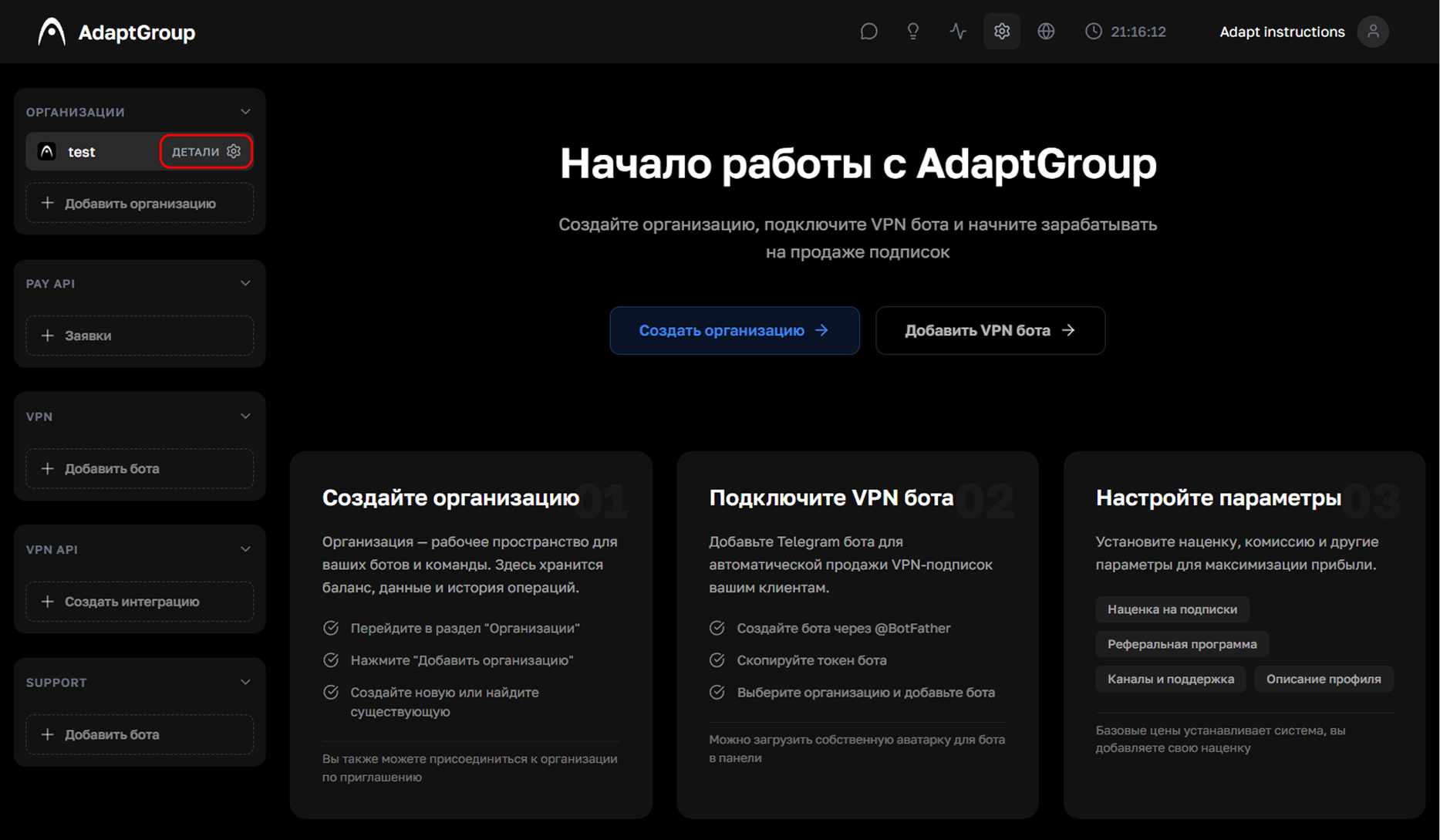
Step 1. Open the organization
In the left sidebar, next to the organization you need, click the "Details" button
Show screenshot
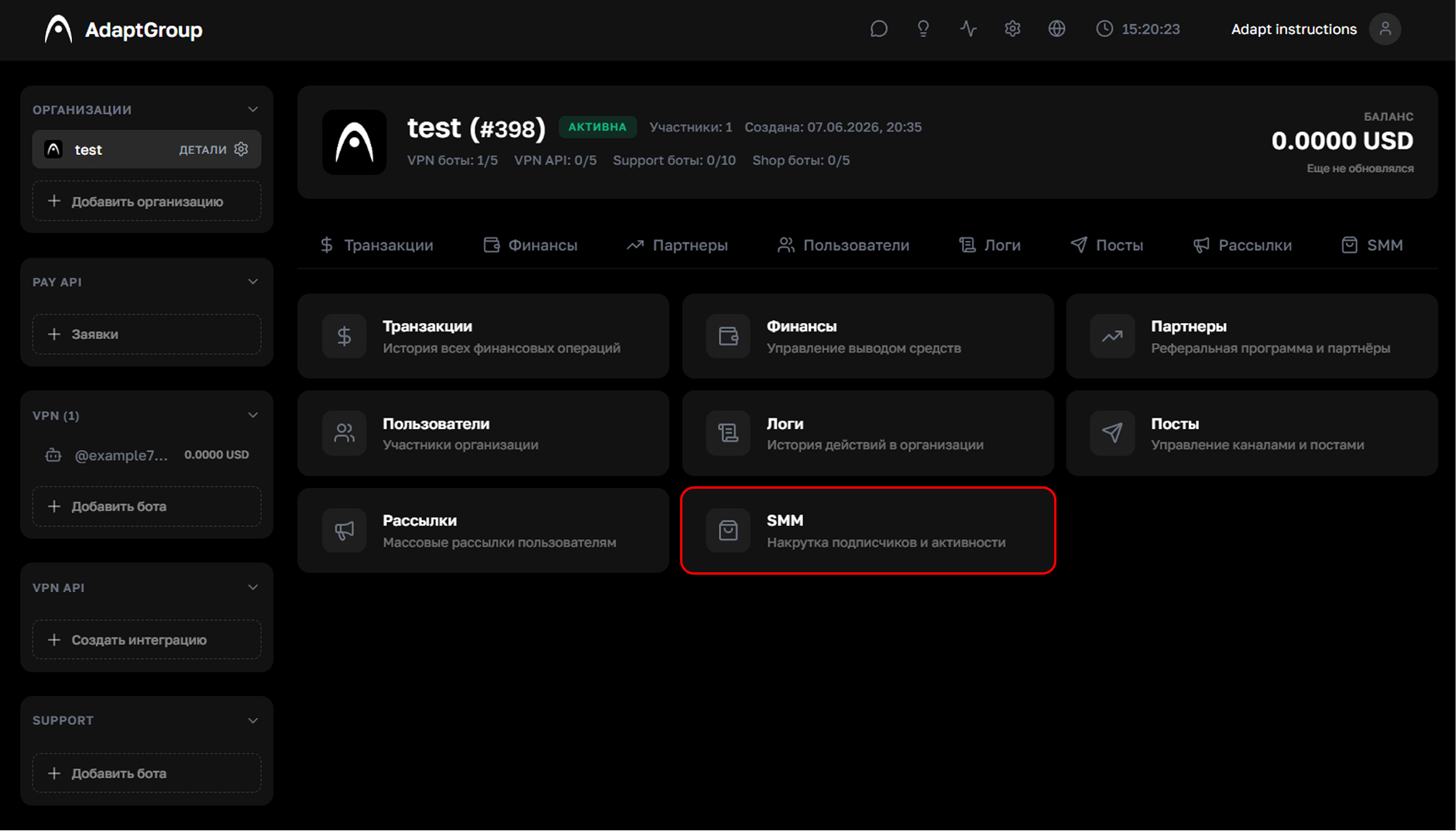
Step 2. Go to the "SMM" section
On the organization page, click on the "SMM" tile
Show screenshot
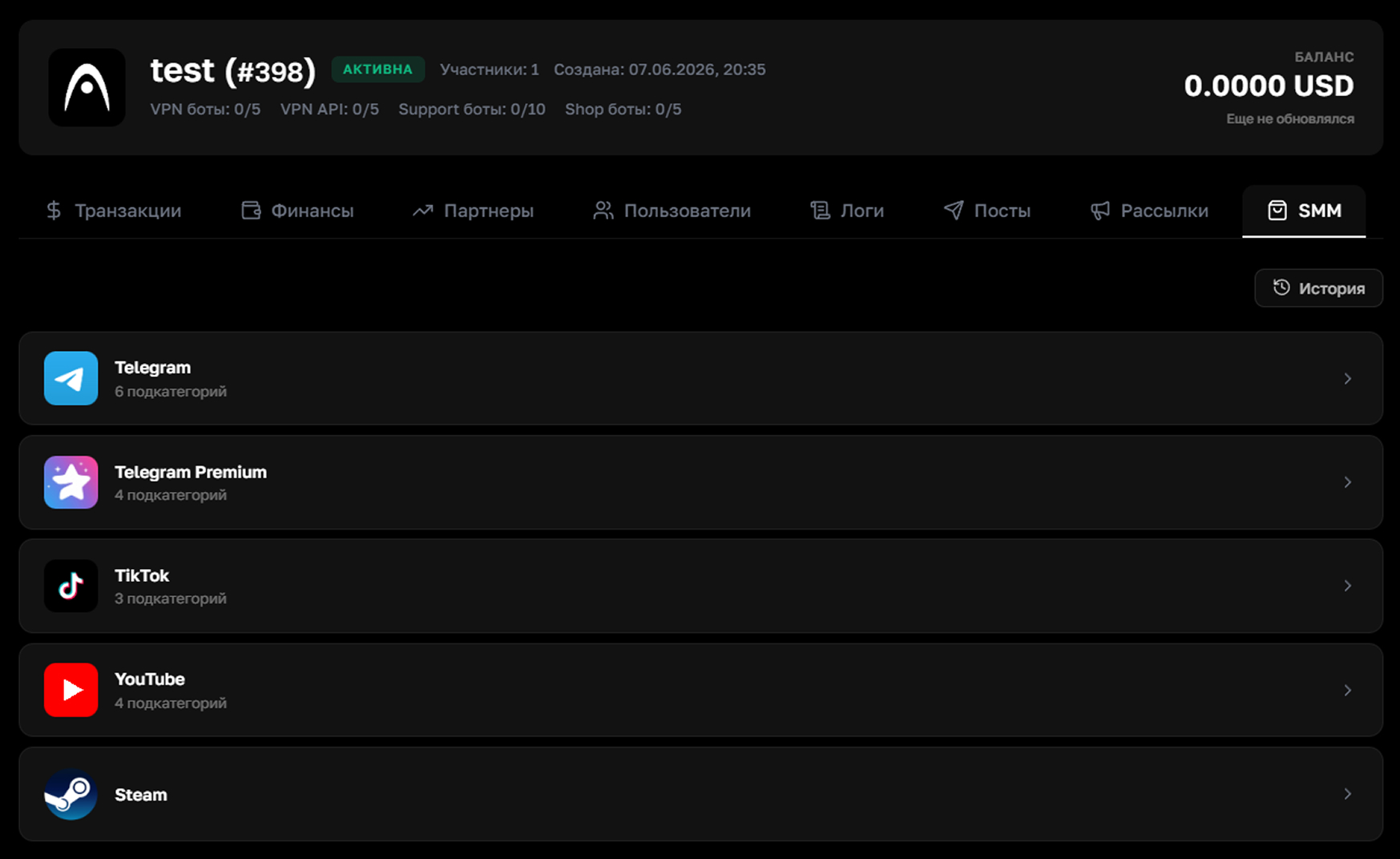
Step 3. Choose a platform and service
In the list, choose the platform you need and open it. Each platform has several service subcategories available. The history of past orders can be viewed via the "History" button in the top right corner
Show screenshot
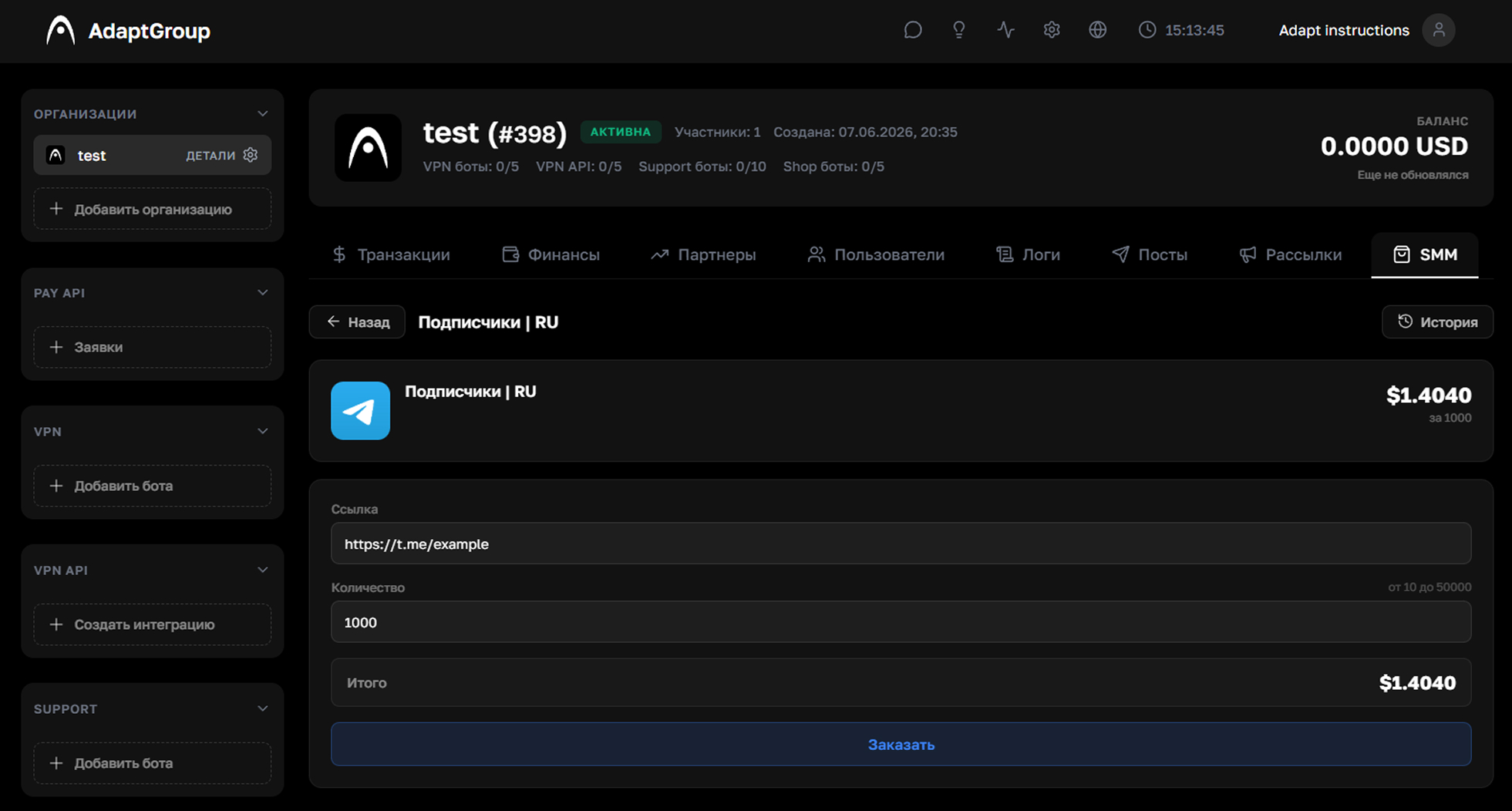
Step 4. Place your order
Paste the link to the channel, profile or video and specify the desired quantity. The total cost is calculated automatically. After reviewing it, click "Order"
Show screenshot
Information
Orders are paid for using the organization's balance. Make sure you have enough funds on your balance before placing an order