Suggestion System
The suggestion system lets you share ideas for improving the platform, track their status, vote on other users' ideas, and discuss them in the comments
Step 1. Open the suggestion system
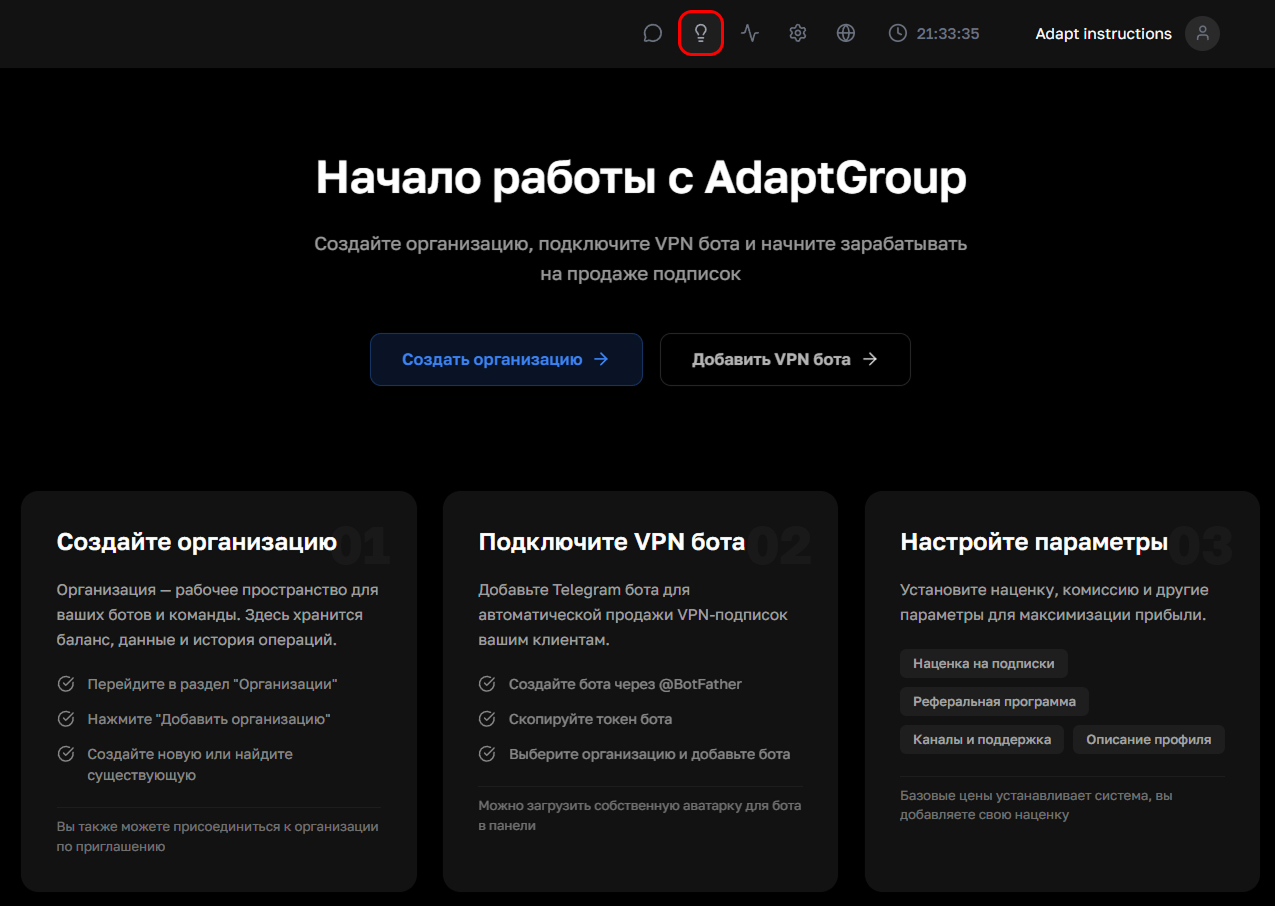
Click on the lightbulb icon in the top navigation bar
Show screenshot
Step 2. List of suggestions
The main page displays all suggestions from users. On the right, you can filter them by status — "New Ideas", "Planned", "Implemented" or "Rejected". Filtering by tags is also available — VPN bots, Organizations, Support bots, Pay API and others
Each suggestion can be opened, commented on, have a photo attached, and liked or disliked
Step 3. Create a suggestion
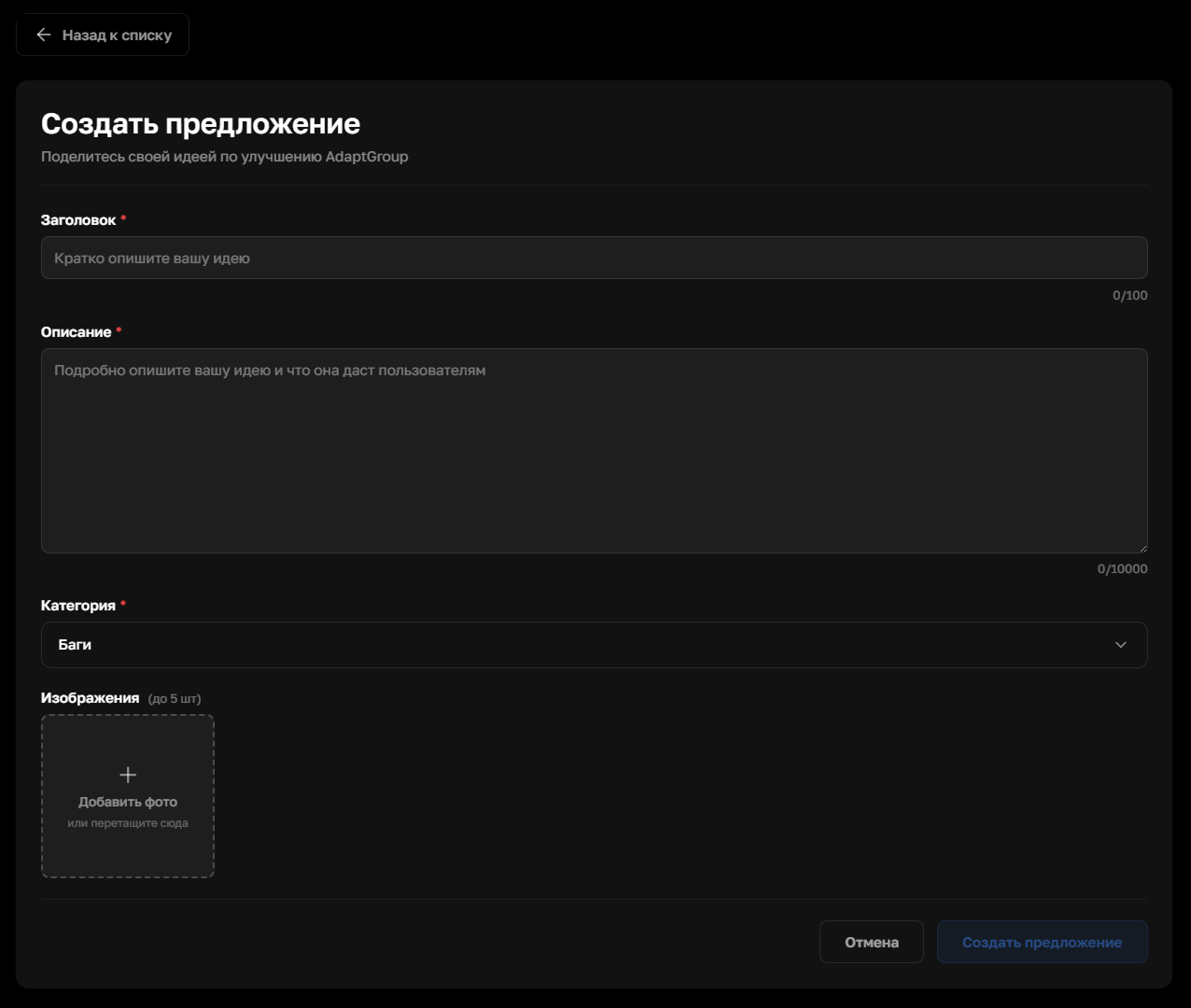
Click "Suggest an Idea" in the top right corner of the page. Fill in the title and description of the idea, choose an appropriate category, and attach a screenshot if needed. Then click "Submit"
Show screenshot
You can follow news and updates about the platform on our Telegram channel